Creating an account on AiFans is fast and simple, all you need is an email address. If you log in using a VPN or sign up with third-party providers (like Google), we strongly recommend creating your account using a standard email and password to prevent any login issues.
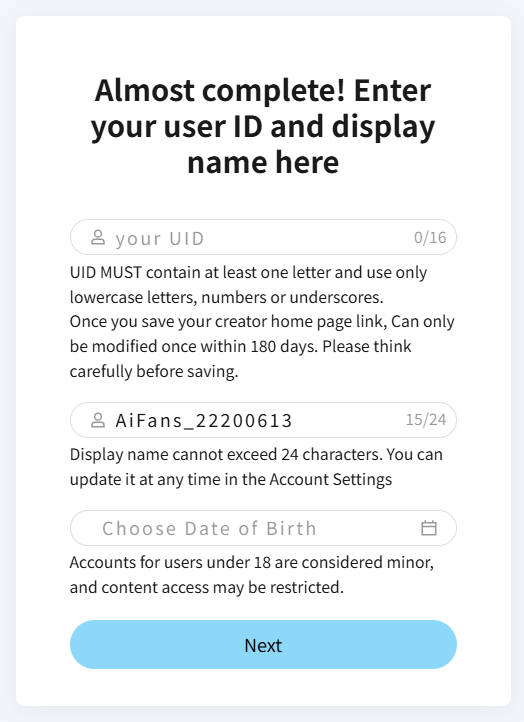
1. Set Up Your User Identity
Your UID must be unique to your account. You can update your UID once every 180 days. Unlike your UID, your display name does not need to be unique, and you can customize it anytime.
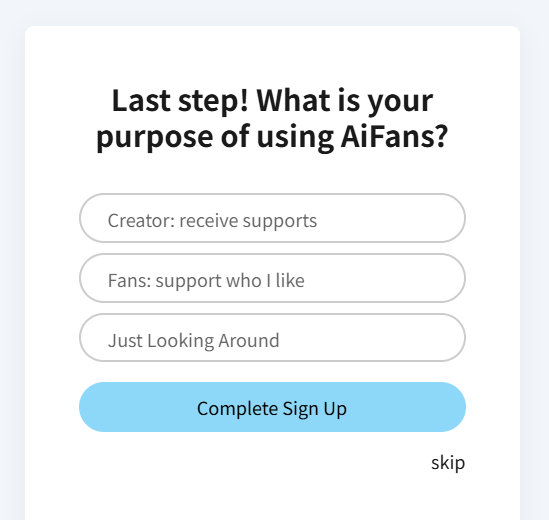
2. Select Your Account Type
Choose between a Supporter or Creator account during registration. Don't worry if you start with a Supporter account, you can easily upgrade to a Creator account at any time in your account settings.